AI Pixel Art Generator: How to Make Sprites for a 2D Game
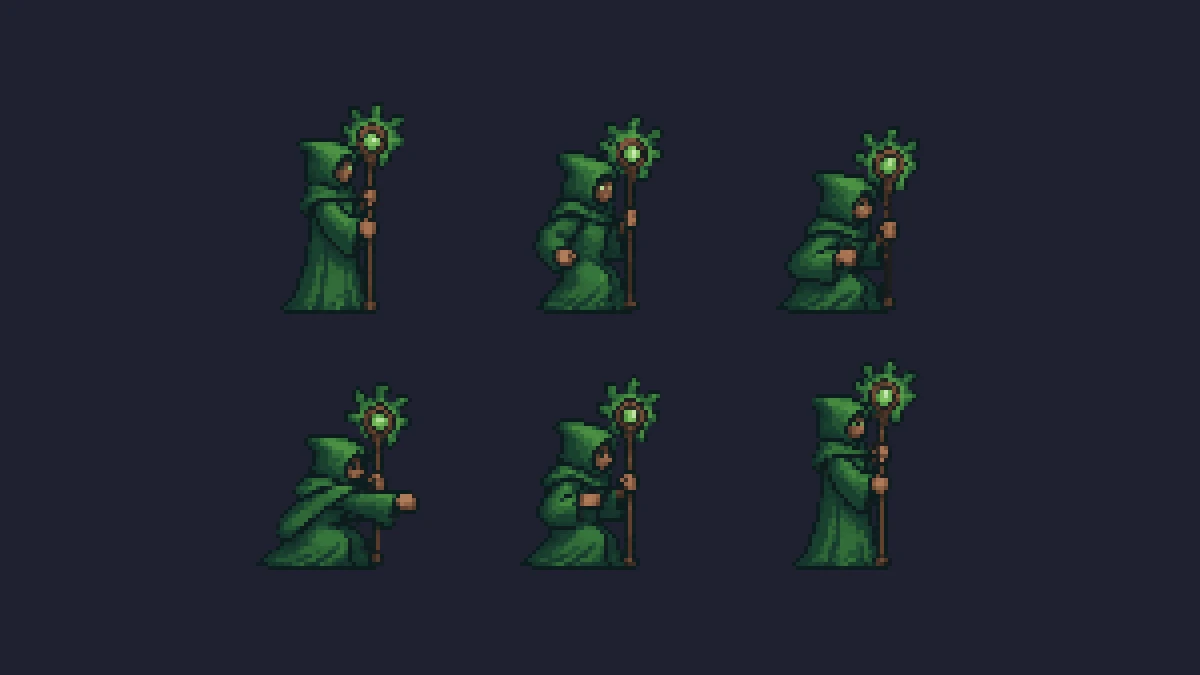
Use an AI pixel art generator to make game sprites: write a prompt, choose frame size, animate a reference character, check consistency, and export a sprite sheet.
Pixel art, sprite animation, and AI tooling deep-dives.
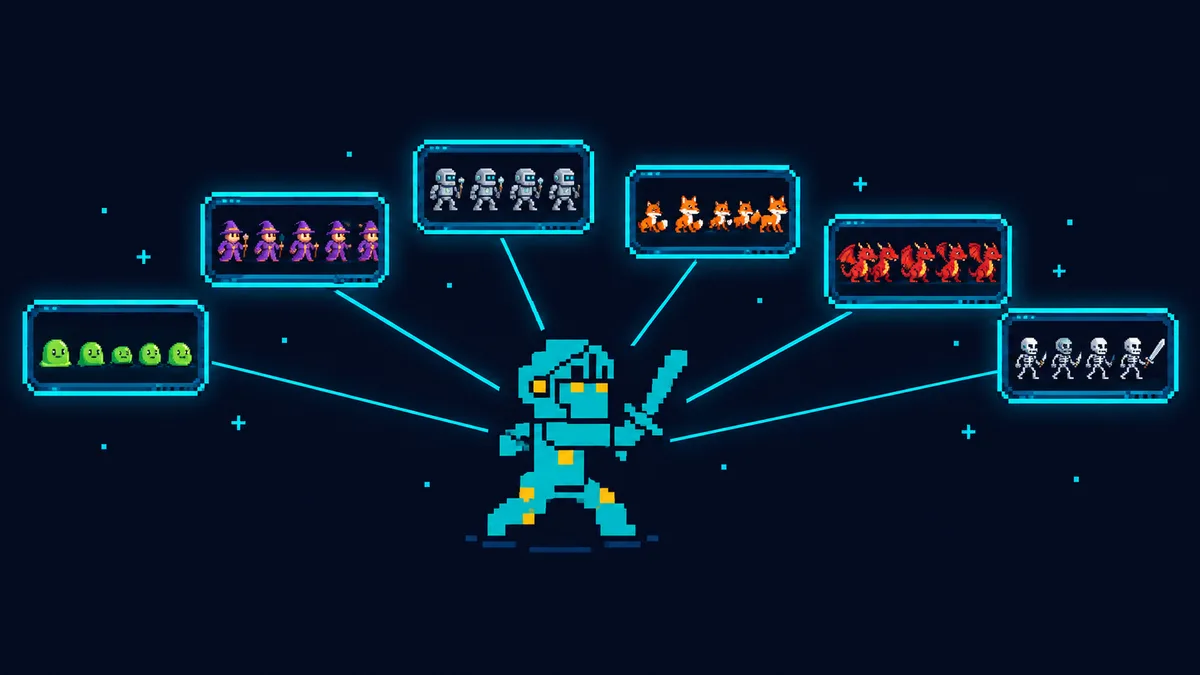
Use an AI pixel art generator to make game sprites: write a prompt, choose frame size, animate a reference character, check consistency, and export a sprite sheet.
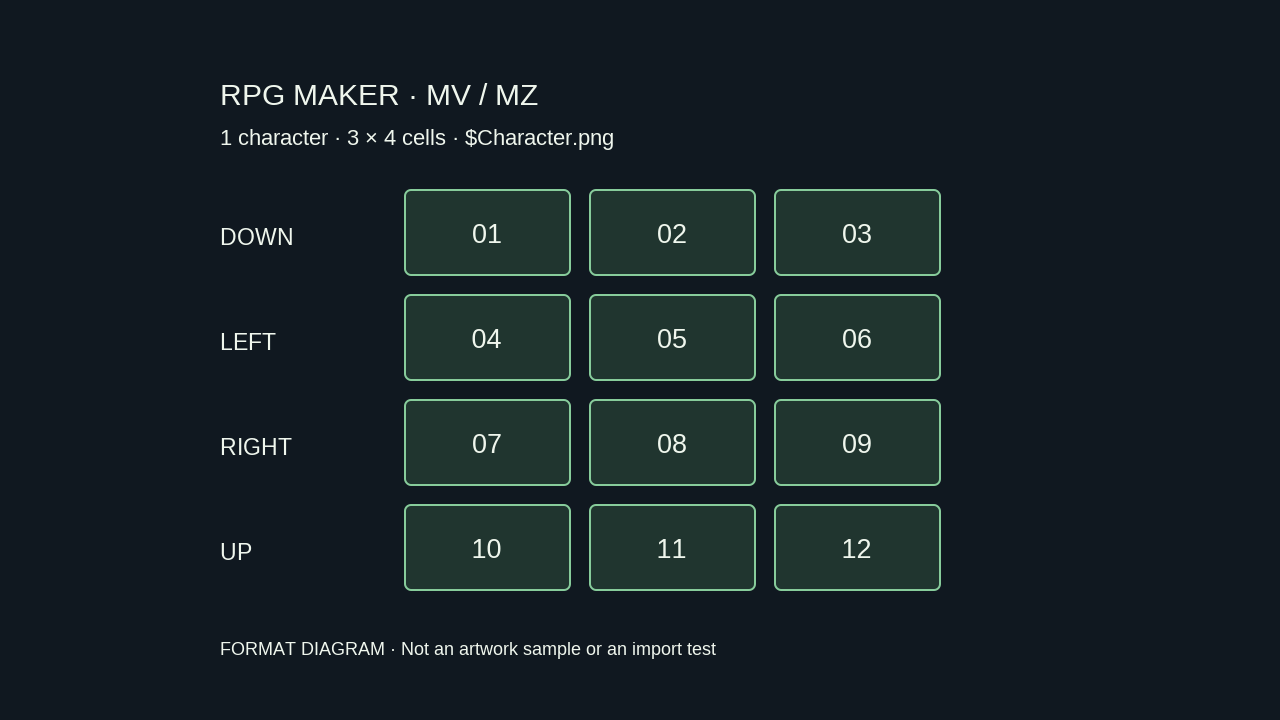
Create RPG Maker character sprites with AI, prepare a four-direction walking sheet, and check the PNG layout before importing it into MV or MZ.
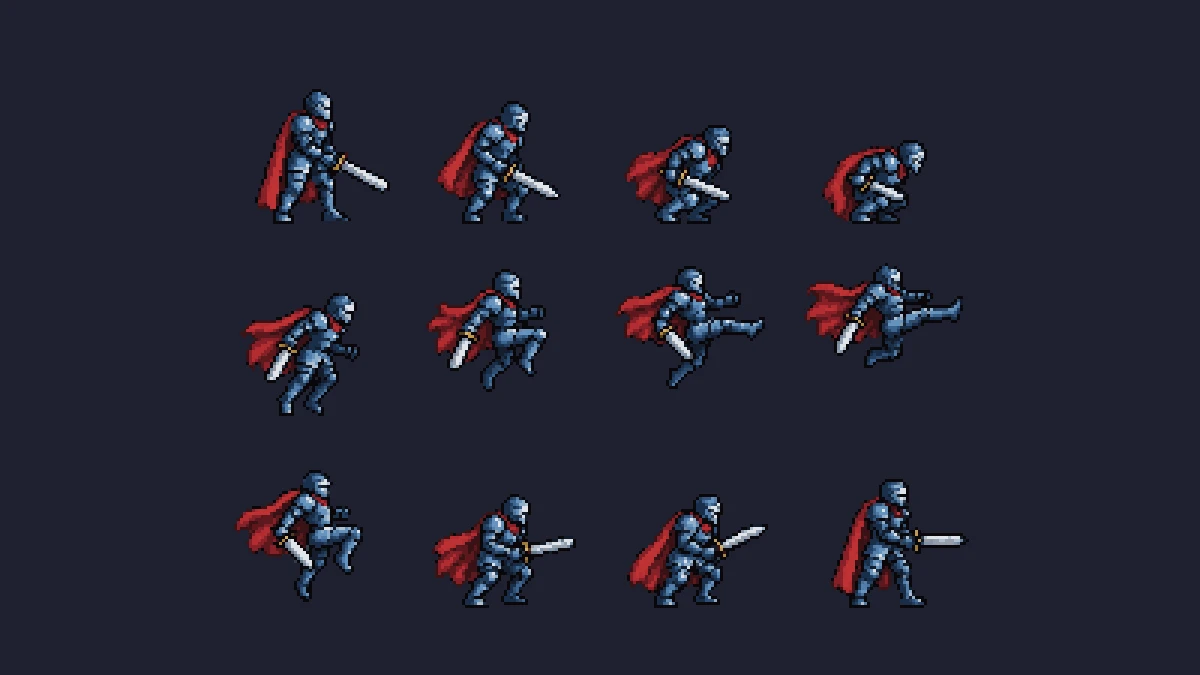
Change a character’s pose with AI using a reference image, one action and a review checklist. See eight archived tests, including failures and limits.
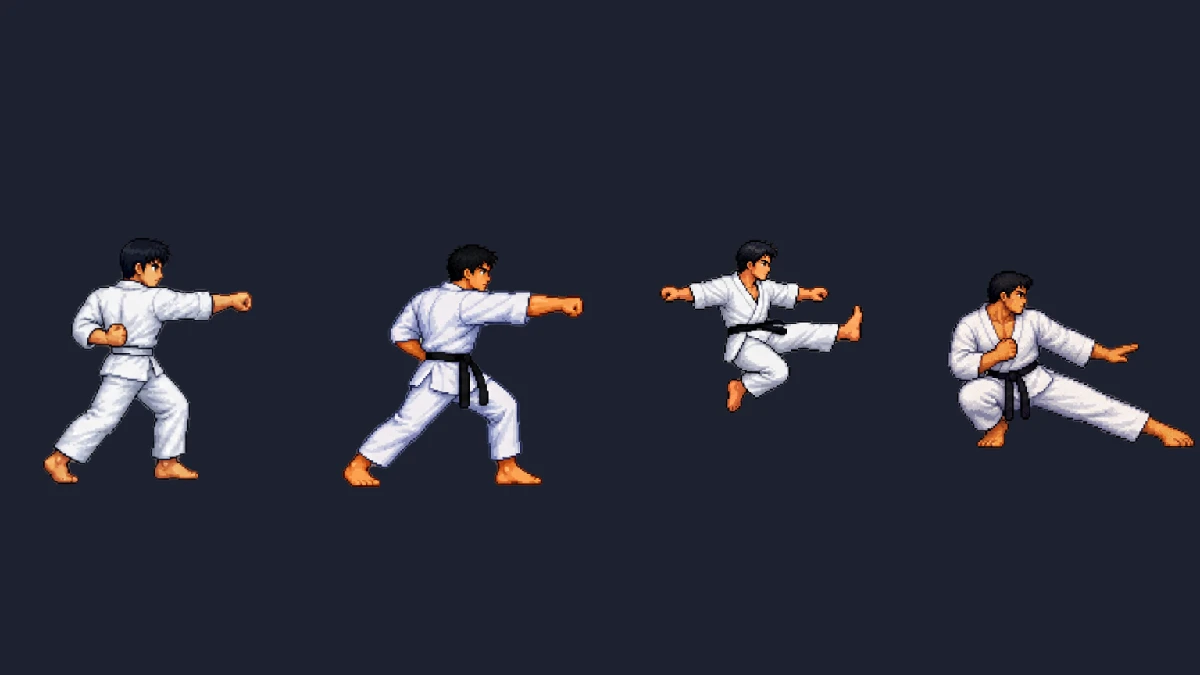
How to make fighting game sprites: the moves a 2D fighter needs, light vs medium vs heavy attacks, crouching and jumping moves, and one consistent fighter.
13 AI sprite generators compared on what matters once the art hits your engine: animated sprite sheets, transparent backgrounds, consistent characters, art styles, and price.
The 15 best sprite sheet resources for game developers, reviewed: CC0 packs you can ship, community libraries, generators and archives, each license explained.
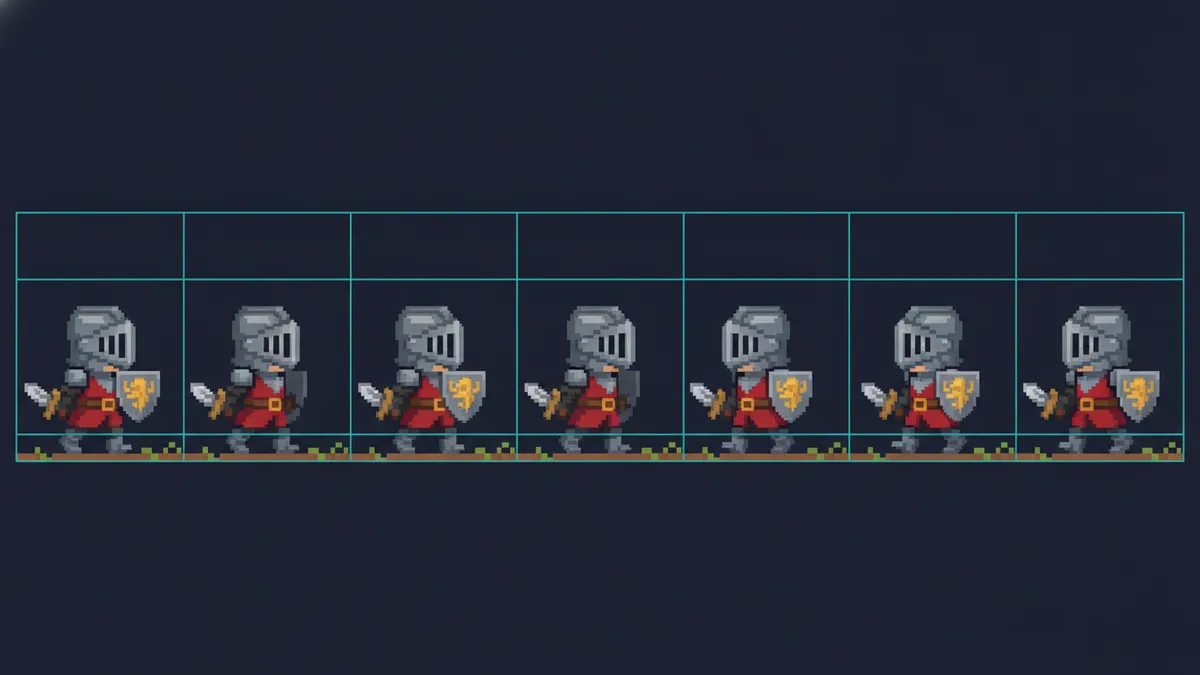
Learn how to make a sprite sheet from scratch: what it is, the numbers to decide first, drawing frames in Aseprite, packing them into one PNG, and the exact import settings for Unity, Godot, and RPG Maker.