Best AI Sprite Generator Tools 2026
On this page
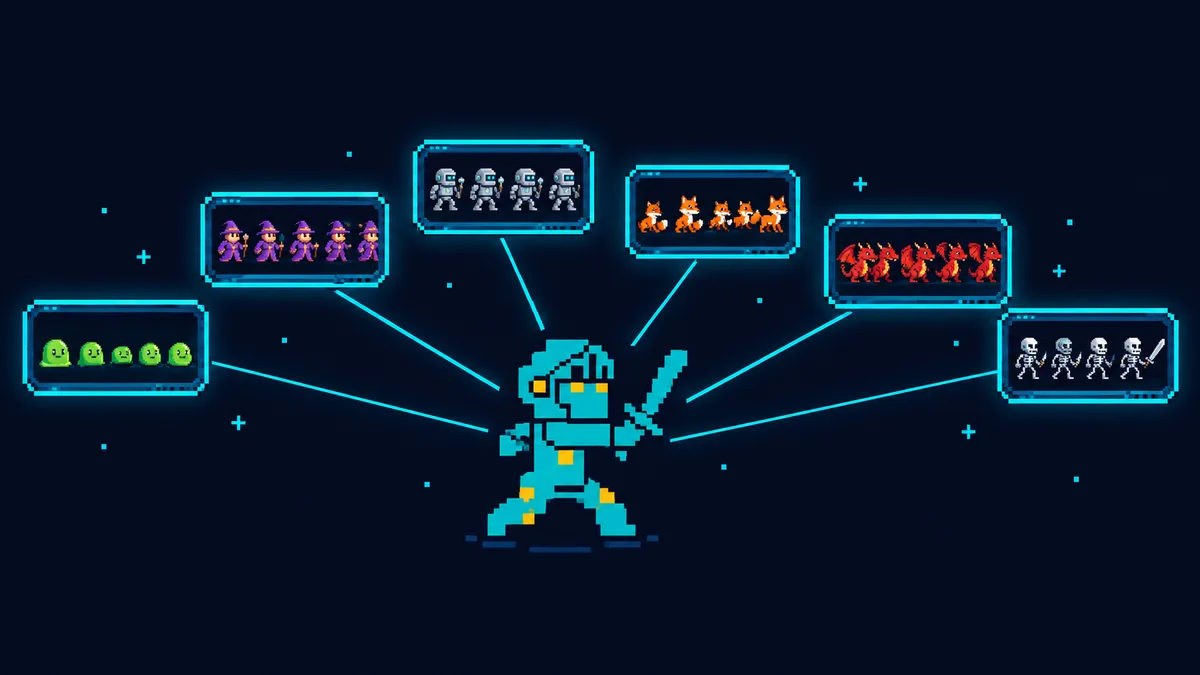
An AI sprite generator is only as good as what survives the trip into your engine. A nice character on a white background still means an afternoon of cleanup. A transparent sheet with evenly spaced frames is something you drop into Unity, Godot, or Phaser and press play. Plenty of tools deliver the first. In 2026, about a dozen deliver the second.
We make SpriteGen, so it’s listed first. Every entry below, ours included, gets the same treatment: what it outputs, who it’s for, and where it falls short. Prices were checked on each vendor’s own site in September 2026. They change often, so confirm before you subscribe.
How we compared them
- Engine-ready output. A sprite sheet with uniform cells, or frames plus an atlas, not a single image.
- Animation. Can it make a walk, attack, or idle loop, or only a still pose?
- Transparent background. Real alpha, or a background you have to remove yourself.
- Consistency. Can you keep the same character across several animations?
- Styles and views. Pixel art only, or illustrated styles too. Side-view, top-down, isometric.
- Price. What the free option actually covers, and where paid plans start.
Quick comparison
| Tool | Best for | Animated sheets | Free option | Paid from |
|---|---|---|---|---|
| SpriteGen | One character in many actions, pixel or illustrated | Yes, 6–12 frames | 2 free tries without sign-up, then daily check-in credits | $16/mo |
| PixelLab | Pixel art in 4 or 8 directions, plus tiles | Yes | Free trial | $12/mo |
| Retro Diffusion | Pixel art that stays on the grid | Yes | Pay as you go | Per image |
| Ludo.ai | Sprites inside a full game-dev suite | Yes, 4–64 frames | 30 credits | $15/mo |
| Scenario | Studios training their own style | Yes | 50 credits/day | $15/mo |
| AutoSprite | Animating a sprite you already have | Yes | Daily credits | $12/mo |
| Sprite-AI | Budget pixel sprites with an editor | Paid plans | 15 generations | $8/mo |
| God Mode AI | Animating your own art, Spine export | Yes | 3 credits | $38/mo |
| Layer.ai | Studio teams working from references | Yes | Free credits | $10/mo |
| SEELE AI | Trying AI sprite sheets for free | Yes | Free | Free |
| Sprixen | Long sheets with a locked style | Yes, up to 96 frames | 6 credits | $10/mo |
| Unity AI | Unity 6 projects | Yes, 16 frames | 14-day trial | $10/mo |
| Leonardo.ai | Concept art and single poses | No | Daily tokens | ~$12/mo |
1. SpriteGen
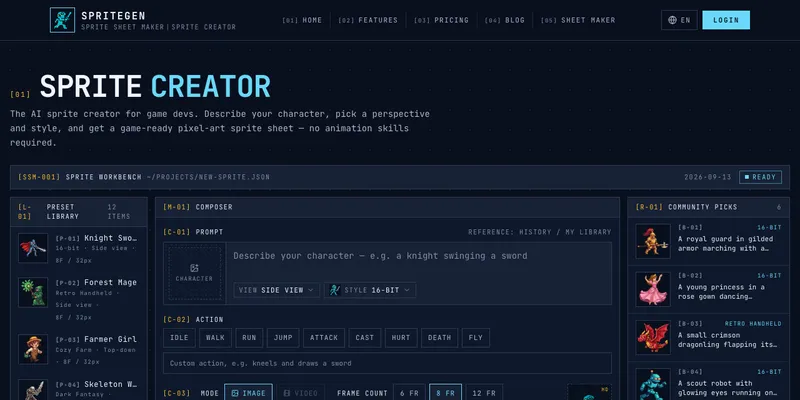
SpriteGen (this site) turns a one-line description into a transparent PNG sprite sheet. You describe the character, pick an action (idle, walk, run, jump, attack, cast, hurt, death, fly) or type your own, choose a camera view (side-view, top-down, isometric, or a front-facing battle view), and pick one of 12 styles. Those run from 16-bit and retro-handheld pixel art to anime, chibi, flat vector, and 3D toon. The sheet comes out with 6, 8, or 12 frames in evenly spaced cells, either as HD art or as crisp pixel art at 16 to 128 px per cell.
The part most generators skip is the second animation. In SpriteGen you pick a character you already made, or upload your own art (sign-in required), as the reference, and the next action is drawn from it. The knight that walks is the same knight that attacks.
Best for: indie devs who need one specific character animated in several actions, in pixel or illustrated style, without opening an editor.
Watch out for: the sprite sheet creator draws characters only, not tilesets or backgrounds; single items, icons, and NPCs come from the separate AI sprite maker. Each generation covers one camera direction, and a sheet holds at most 12 frames. The generator has no pixel editor built in, so for touch-ups you import a frame into the free pixel art maker on this site, or use Aseprite.
Pricing: 2 free generations with no account; sign up and the daily check-in adds free credits. Paid plans start at $16/month (300 credits, about 75 sheets). The sprite sheet maker for packing your own frames and the GIF to sprite sheet converter are free with no limits.
2. PixelLab
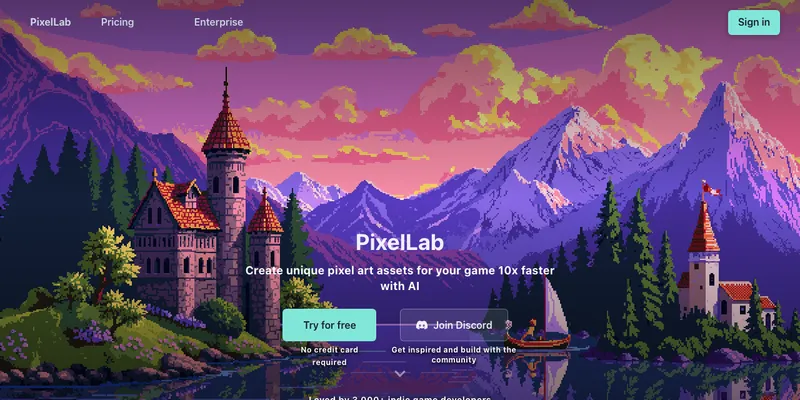
PixelLab has the deepest pixel-art toolset on this list: characters, animations, 4- and 8-direction rotations, and tilesets for maps, with an API and an MCP server for people who script their pipelines. Backgrounds come out transparent.
Best for: pixel-art games that need characters facing every direction, plus tiles that match.
Watch out for: pixel art only. The smallest sizes, around 16 px, are where results are weakest.
Pricing: a free trial with no credit card. Paid plans start at about $12/month.
3. Retro Diffusion
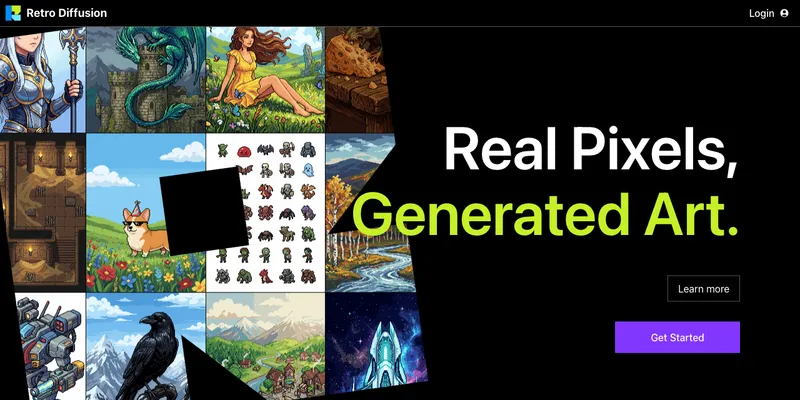
Retro Diffusion is built on models trained to put real pixels on a real grid, so the output skips the “downscale and clean up” step that general image models need. It makes images, animations (as a GIF or a PNG sheet), and tilesets, with background removal built in and an API for developers.
Best for: pixel artists who care that every pixel lands exactly on the grid.
Watch out for: pixel art only, and output tops out around 384 px.
Pricing: pay-as-you-go credits, roughly $0.03 to $0.25 per image depending on the model.
4. Ludo.ai
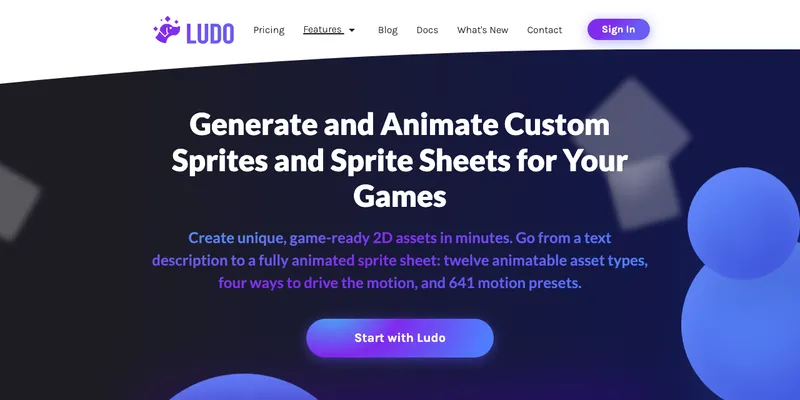
Ludo.ai is a wider game-dev suite (ideation, market research, assets), and its sprite generator goes from a text prompt to an animated sheet of 4 to 64 frames with a JSON file and a GIF preview. It offers 641 motion presets and twelve animatable asset types.
Best for: designers who want sprites alongside concepting and other asset tools in one subscription.
Watch out for: each animation costs 4 to 16 credits, so the free allowance goes quickly.
Pricing: 30 free credits. Paid plans start at $15/month, billed annually.
5. Scenario
Scenario is a platform for game studios. Its strength is training a custom model on your own art so every generated asset matches your game’s look. Sprite sheets can come from a prompt or from video frames, and background removal is a separate step.
Best for: teams with an established art style they need to reproduce at volume.
Watch out for: getting to a finished sheet takes several steps, and custom style training needs the $45/month Pro plan.
Pricing: 50 free credits a day. Paid plans start at $15/month.
6. AutoSprite
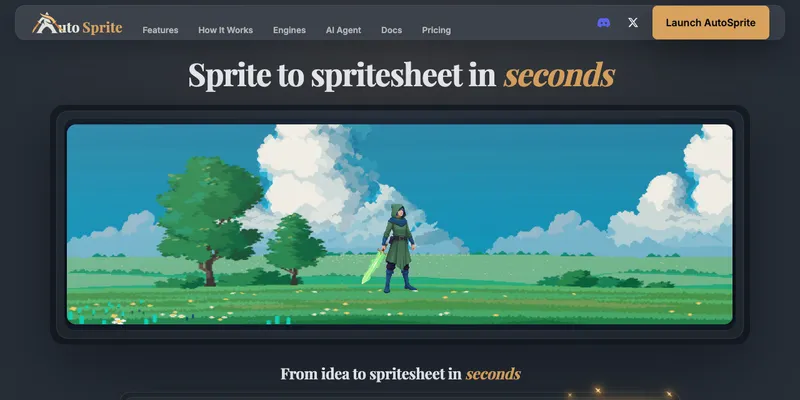
AutoSprite is built around animation: bring a sprite, or generate one, and turn it into a sprite sheet in seconds. It exports a PNG sheet, a texture atlas, or a ZIP of frames for most engines, and offers 12 styles.
Best for: you already have a character and need it animated and exported fast.
Watch out for: API access is only on the $29/month plan.
Pricing: free daily credits. Paid plans start at $12/month.
7. Sprite-AI
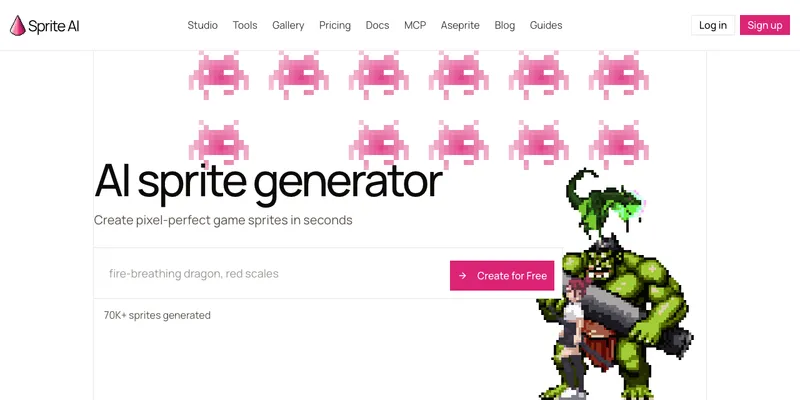
Sprite-AI has the cheapest paid plan here. It generates pixel-perfect sprites, exports GIF and SVG, and includes a pixel editor for fixing details without leaving the site.
Best for: hobbyists on a budget who want to generate and edit pixel sprites in one place.
Watch out for: pixel art only, and animations are limited on the entry plan (7 a month).
Pricing: 15 free generations. Paid plans start at $8/month.
8. God Mode AI
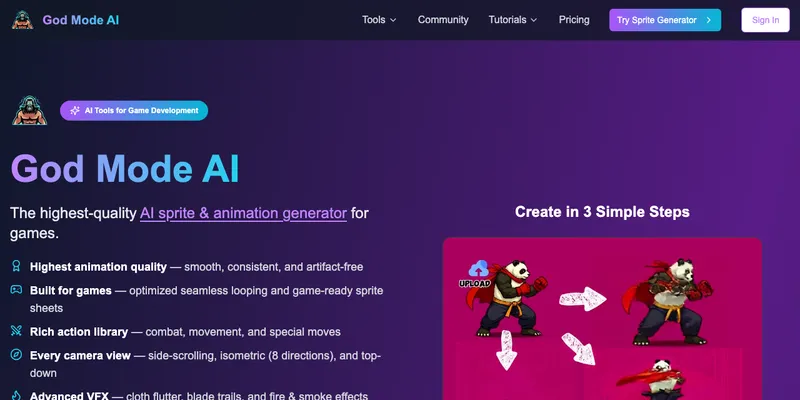
God Mode AI animates character art you upload: combat, movement, and special moves in side-scrolling, top-down, and 8-direction isometric views, exported as sprite sheets or for Spine. It also adds effects such as cloth movement and blade trails.
Best for: artists who drew the character themselves and want polished animation, including Spine rigs.
Watch out for: it’s designed around art you bring rather than characters from a text prompt, and it has the priciest entry plan on this list.
Pricing: 3 free credits. Paid plans start at $38/month.
9. Layer.ai
Layer.ai is aimed at game studios. It generates sprite strips from a reference image in pixel or 2D illustration styles, inside a shared workspace, with pay-per-use pricing and no per-seat fees.
Best for: studio teams that want AI sprites as part of a shared asset pipeline.
Watch out for: the workflow and pricing are built for teams, which is more than a solo dev usually needs.
Pricing: free credits to start. Paid plans start at $10/month.
10. SEELE AI
SEELE AI offers a free sprite generator: PNG strips plus JSON at 4 to 24 fps, in pixel, chibi, and anime styles, with no watermark.
Best for: trying AI sprite sheets at zero cost.
Watch out for: frames max out at 256 or 512 px.
Pricing: free. The wider SEELE platform has paid plans.
11. Sprixen
Sprixen pitches itself as a whole game studio in one pipeline, and its sprite side generates sprites and sheets of up to 96 frames. A per-project Style Lock keeps every asset in the same look, across pixel, cartoon, and anime styles.
Best for: long animation sheets and projects that need one locked style.
Watch out for: the free allowance is small.
Pricing: 6 free credits on sign-up. Paid plans start at $10/month.
12. Unity AI Sprite Generator
The Unity AI Sprite Generator works inside the Unity 6 editor. It creates sprites, icons, and a 4×4 (16-frame) animation-ready sheet from a prompt, with background removal, and the results land directly in your project.
Best for: projects already on Unity 6.
Watch out for: Unity 6 only, and still in beta.
Pricing: a 14-day trial with 1,000 credits. Paid plans start at $10/month.
13. Leonardo.ai
Leonardo.ai is a general-purpose image generator. It’s strong for concept art, portraits, items, and single sprite poses, and has a transparency toggle for PNG output. It doesn’t make frames or sheets, so animation happens somewhere else.
Best for: concept art and single poses before you commit to a character.
Watch out for: no animation or sprite sheet output.
Pricing: free daily tokens. Paid plans start at about $12/month.
Which AI sprite generator should you pick?
- One character, several animations, pixel or illustrated: SpriteGen.
- Strict pixel art with 4 or 8 directions and tiles: PixelLab or Retro Diffusion.
- You already drew the character: AutoSprite, or God Mode AI if you need Spine.
- A studio style to reproduce at scale: Scenario or Layer.ai.
- You work in Unity 6: Unity AI Sprite Generator.
- No budget at all: SEELE AI, plus the free quotas of SpriteGen, Scenario, and Ludo.ai.
Before you ship AI sprites
- Keep one reference character. Generate the idle pose first, then use it as the reference for every other action. A helmet that changes between the walk and the attack is the most common giveaway.
- Check the cells. Frames need uniform cells and a shared baseline, or the character jitters in the engine. How to make a sprite sheet covers alignment and engine import settings.
- Zoom in on the edges. A checkerboard baked into the image, or a white halo around the outline, shows up the moment the sprite sits on a dark background.
- Read the license. Commercial rights are often tied to a paid plan. Note the plan and the date next to your assets.
- Keep pixel art crisp. Set point or nearest filtering in your engine, and scale by whole numbers.
FAQ
Is there a free AI sprite generator?
Yes. SEELE AI is free, and SpriteGen, Scenario, Ludo.ai, and Sprixen all have free quotas or sign-up credits. Free tiers are enough to test a style. Plan on paying if you need dozens of animations.
Can AI generate a whole sprite sheet, or just one image?
Most tools on this list produce complete animated sheets with evenly spaced frames. General image generators such as Leonardo.ai produce single images, so you’d still have to draw or animate the other frames yourself.
How do I keep the same character across animations?
Use a reference. SpriteGen and Layer.ai take a reference image, Scenario trains a model on your art, Sprixen locks a style per project, and God Mode AI and AutoSprite animate the art you upload.
Can I use AI-generated sprites in a commercial game?
Usually yes on paid plans, but the terms differ by tool and plan. Check the license page before you ship, and keep a record of which plan you were on when you generated each asset.
Pixel art or HD sprites?
Decide by your game’s resolution. Pixel art (16 to 128 px cells) needs point filtering and whole-number scaling. HD sprites suit illustrated and mobile games.
Try it on your own character
The fastest way to judge any of these tools is to run your own character through it. The SpriteGen sprite creator is free to try without signing up: describe a character, pick an action, a view, and a style, and you’ll have a transparent sprite sheet in a couple of minutes. If you’d rather start from existing art, here are 15 free sprite sheet resources.
Ready to animate your character?
Describe your character, get a game-ready sprite sheet in minutes. Free to start.
Try Sprite Creator →Read next
Best Sprite Sheet Resources: 15 Sites Reviewed
The 15 best sprite sheet resources for game developers, reviewed: CC0 packs you can ship, community libraries, generators and archives, each license explained.